View allAll Photos Tagged imageprocessing
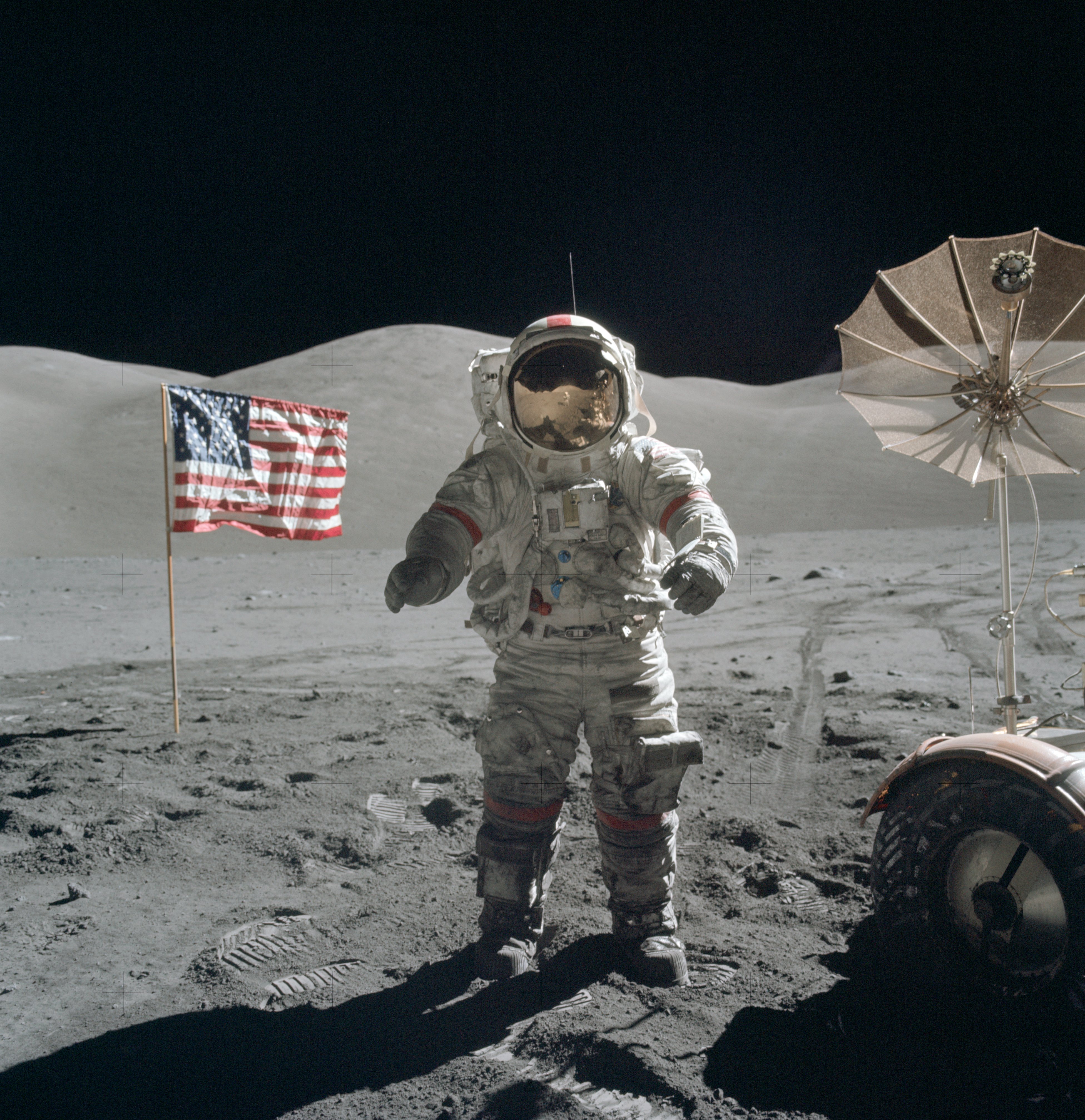
Astronaut Gene Cernan on Apollo 17 mission. upload.wikimedia.org/wikipedia/commons/2/2f/Apollo_17_Cer...
Five Frame Mosaic made with ACS data
www.robgendlerastropics.com/NGC253-HST-Gendler.html
Robert Gendler
email: robgendler@att.net
Website: www.robgendlerastropics.com
Color quantization, JPEG degradation and channel-swapping in interrupted pixel sorting run on blocks of zigzag-scanned arrays produced this result. It amuses me that the quantization algorithms tend to emphasize edges, including facial features and other details, and so most of the glitching happens in faces and other transitions. Clothing, especially uniform gray suits, presents little detail, and so gets little glitching. Psychedelic swirls around legislators—what can it mean?

I don't recall seeing this by eye, yet it was clearly visible on the viewing screen of the Nikon Coolpix S6300 camera. And here it is on Flickr...;))
Earthshine is seen illuminating our not quite new moon this last week. My DSLR camera is in the shop for repairs. The eensy weensy tiny little pocketable cameraeeny I have started carrying around was handheld, and the image is highly cropped, so there is image smear, I fear.
I did some image processing using iPhoto which is not a very capable tool for this sort of thing.
I hope to use these images to teach myself Adobe Lightyear...;))
If you know of any good tutorials for this in Lightyear or Photoshop, I will be grateful!!
DSCN0332 - Version 5
No time to paint manually. It's just Waterlogue and Snapseed apps, no photoshop. Not bad for totally automatic watercolor processing!
In line with the theme of surveillance is that of voyeurism, evident in materials derived from glamor photos and pornography, but also present in classical painting of the female nude. I used glitchy compositing techniques to remix paintings with contemporary interiors and objects. I attempted not to be too obvious in foregrounding a particular ideological perspective—the impediment to fast reading imposed by glitch artifacts and the aesthetic appeal of seemingly abstract imagery with delayed decoding assist in achieving that goal (or so I hope).
Tiziano's Venus of Urbino, glitched. See commons.wikimedia.org/wiki/File:Tizian_102.jpg for source image. Colors were shifted both with an FFT over the hue channel in the HSB color system and with channel-swapping in the RGB system. Interrupted sorting has further emphasized the color artifacts.

A shell sort was run on each line of the image, sometimes in ascending and sometimes in descending order, but it was randomly interrupted, revealing the structure of the sorting algorithm.
Somebody I have never met sent the original of this image to me in an email. I think they mistook me for someone else. In the spirit of glitch, I am making good use of their error.
Original was a PNG with transparency, which doesn't show in Flickr. Made with GlitchSort, statistical processing and compositing in Photoshop.
I left full-time work for Perkin-Elmer in 1977 to develop a digital photography system. It was initially intended for the computer portrait market, capturing images digitally for transfer to tee shirts, but had the potential to address a much broader market. The system was one of the first, if not the first, fully integrated micro-processor systems with the processor, display, keyboard, and floppy disk drives all in a single enclosure. Here Wendy is shown in a promo shot.
From the series Glitch Nation: paulhertz.net/works/glitchez.html. I used a photograph of naturists whose source I have forgotten--probably the Prelinger Archive.
I don't recall seeing this by eye, yet it was clearly visible on the viewing screen of the Nikon Coolpix S6300 camera. And here it is on Flickr...;))
Earthshine is seen illuminating our not quite new moon this last week. My DSLR camera is in the shop for repairs. The eensy weensy tiny little pocketable cameraeeny I have started carrying around was handheld, and the image is highly cropped, so there is image smear, I fear.
I did some image processing using iPhoto which is not a very capable tool for this sort of thing.
I hope to use these images to teach myself Adobe Lightyear...;))
If you know of any good tutorials for this in Lightyear or Photoshop, I will be grateful!!
DSCN0332 - Version 7
Twenty Panel Mosaic with ACS data, RGB = 658N, 555W, 435W.
www.robgendlerastropics.com/NGC3521-HST-Gendler.html
Robert Gendler
email: robgendler@att.net
Website: www.robgendlerastropics.com
Original image from the Yorck Collection, Wikimedia Commons: commons.wikimedia.org/wiki/File:Edouard_Manet_038.jpg.

Glitch as an expressive gesture. Resolution matters in this image: view at full size.
Remix of an original image from the U.S. Government, in the public domain: commons.wikimedia.org/wiki/File:Lyndon_B._Johnson_taking_....

photoshop; photo retouching; retouch; photoshop editing; photography; background removal; adobe photoshop; photoshop work; amazon listing; color correction; photoshop editing; photo manipulation; amazon product photo; photoediting; background remove; image editing; amazon; remove background; retouching; image resizing; photo edit; amazon photo editing; background removal; image resize; ebay; cut out; online shop; photoshop image editing; resizing images; fashion; amazon store; resizing; jewelry edit; photo manipulation; crop; remove background; resize image; fashion; photoediting; resizing; transparent; photo manipulation; amazon; photoshop; white background; retouch photo; changing background; product retouch; ecommerce product; photoshopping; photoshop work; clipping; product editing; photoshop work; photo editing; photo manipulation; amazon infographic; cut out; amazon editing; cut out images; photoshop retouch; cut out background; photo fixing; resizing; e commerce; photo resize; resizing images; resize; image processing; nick add; image masking