How to Make a Flash Website - PowerPoint Slide #7 | by SideWages
Back to photostream
How to Make a Flash Website - PowerPoint Slide #6How to Make a Flash Website - PowerPoint Slide #5How to Make a Flash Website - PowerPoint Slide #4How to Make a Flash Website - PowerPoint Slide #3How to Make a Flash Website - PowerPoint Slide #2How to Make a Flash Website - PowerPoint Slide #1How to Make a Professional Website - PowerPoint Slide #10How to Make a Professional Website - PowerPoint Slide #09How to Make a Professional Website - PowerPoint Slide #08How to Make a Professional Website - PowerPoint Slide #07How to Make a Professional Website - PowerPoint Slide #06How to Make a Professional Website - PowerPoint Slide #05How to Make a Professional Website - PowerPoint Slide #04How to Make a Professional Website - PowerPoint Slide #03How to Make a Professional Website - PowerPoint Slide #02How to Make a Professional Website - PowerPoint Slide #01How to Make a Flash Website - PowerPoint Slide #7How to Make a Flash Website - PowerPoint Slide #8How Good are Web Hosting Reviews @ CNET - PowerPoint Slide #1How Good are Web Hosting Reviews @ CNET - PowerPoint Slide #2How Good are Web Hosting Reviews @ CNET - PowerPoint Slide #3How Good are Web Hosting Reviews @ CNET - PowerPoint Slide #4How Good are Web Hosting Reviews @ CNET - PowerPoint Slide #5How Good are Web Hosting Reviews @ CNET - PowerPoint Slide #6How Good are Web Hosting Reviews @ CNET - PowerPoint Slide #7How to Make Money With a Website - PowerPoint Slide #01How to Make Money With a Website - PowerPoint Slide #02How to Make Money With a Website - PowerPoint Slide #03How to Make Money With a Website - PowerPoint Slide #04How to Make Money With a Website - PowerPoint Slide #05How to Make Money With a Website - PowerPoint Slide #06How to Make Money With a Website - PowerPoint Slide #07How to Make Money With a Website - PowerPoint Slide #08How to Make Money With a Website - PowerPoint Slide #09How to Make Money With a Website - PowerPoint Slide #10

How to Make a Flash Website - PowerPoint Slide #7

How to Make a Flash Website - PowerPoint Slides
Here are the resources I use: www.sidewages.com/resources/

Maybe a Static Site is Okay
- flat look and feel
- doesn't change
- any tools will work
- Web host CPanel has tools
- WordPress a good option

No Way, I Want a Flash Website!
- heavily graphic oriented
- embedded video files (protected)
- other dynamic information
- dynamic user interactions

Getting Started With Flash
- Adobe Flash is the tool of choice
- Some learning curve
- Relatively simple when up-to-speed

Warning About Flash
- Seems to be losing some steam
- Might not be around for long
- Proceed with caution

Don’t Forget the Books
- Flash coding book for reference
- Find problems quickly
- Have help online or offline
- Catch it before you publish

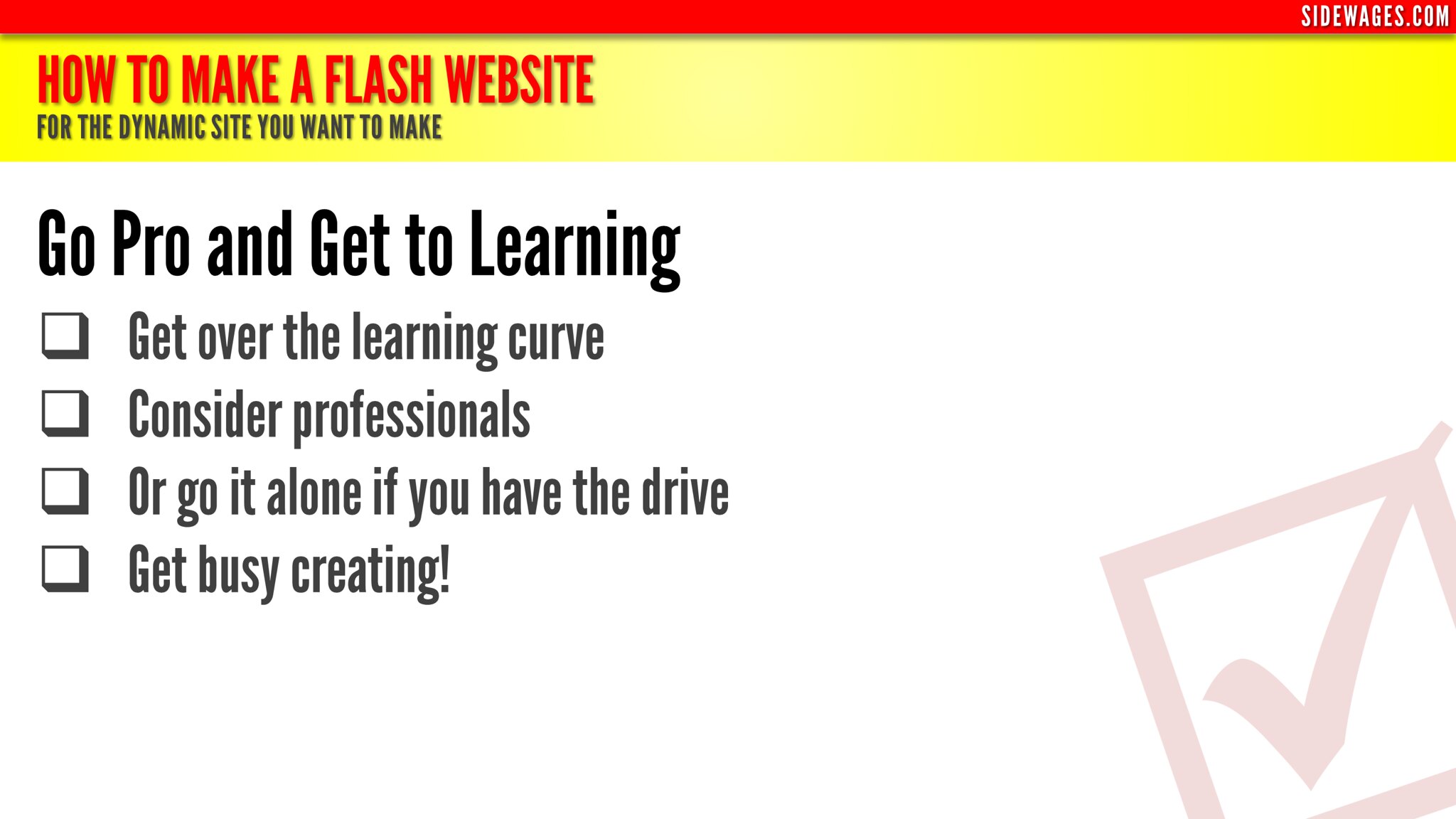
Go Pro and Get to Learning
- Get over the learning curve
- Consider professionals
- Or go it alone if you have the drive
- Get busy creating!

Here are the resources I use: www.sidewages.com/resources/

Comments (0)

Loading comments...
Buddy Icon
4,083views
Uploaded on February 27, 2013Taken on February 26, 2013

Additional info

Viewing privacy
Public
Safety level
Safe
Content type
Photo
SSearch
←→Photo navigation
<>Thumbnail navigation
ZZoom
BBack to context